
AI Zombie Video Generator Zombie Love Story
Upload a photo of the one you love. Get the AI zombie trend video: a gun you can't fire, a hug — then a hard cut to the warm memories you shared.

Best results: one clear, front-facing photo in good light — no sunglasses, no group shots. Pets: the whole face, eyes visible.
JPG, PNG or WebP · up to 12 MB · at least 300 × 300 pixels. We resize and prepare your photo automatically, without cropping it.
Who turns into the zombie?
How long is your story?
Video length, not waiting time. Every length uses one video credit.
Be the storyteller. A reunion, a last dance, a pet’s journey home — make it yours.
12s · vertical video · from $9.99 · no subscription
- ✓One-time payment
- ✓Guest checkout or Google sign-in
- ✓Failed videos refund the credit
- ✓Photos deleted after 30 days
Step 1
Upload who turns
One clear photo of your partner, pet, parent or best friend — they become the zombie. Add your own photo too, or skip it and it's filmed from your point of view.
Step 2
Pick a world
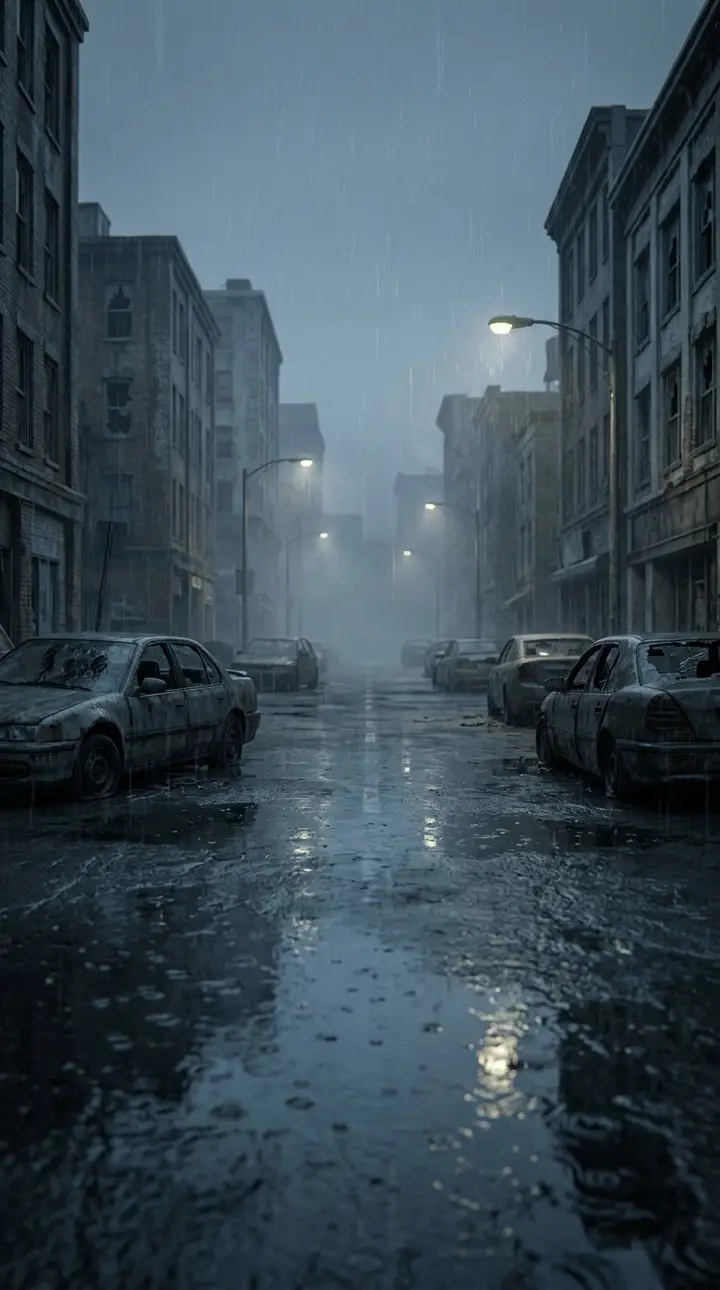
Snowed-in cabin, rain-soaked city or overgrown supermarket — each with its own warm memory to cut to.
Step 3
Get your video
A 12-second 9:16 MP4. Processing time varies. Add an emotional sound in TikTok or CapCut and post.
AI Zombie Video (aizombievideo.org) makes the whole AI zombie trend video for you: upload a photo of the person or pet who turns, optionally one of yourself, pick a world, and get a 12-second vertical 9:16 MP4 — the cold zombie standoff, the lowered gun, the hug, and a hard cut to a warm golden memory. From $9.99 per video, one-time payment, no subscription, no watermark.
Story preview
A glimpse of the generator
See how the cold world becomes a warm memory. Preview images illustrate the story; generated videos vary.
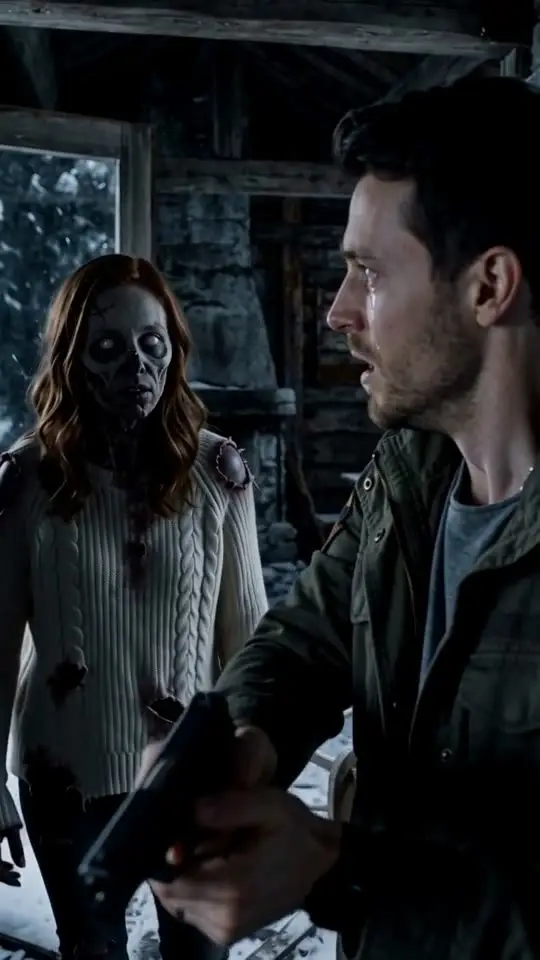
Zombie girlfriend · Snowed-In Cabin
Two photos (her + him) → he lowers the gun, she hugs him, hard cut to a sunny snowy slope.
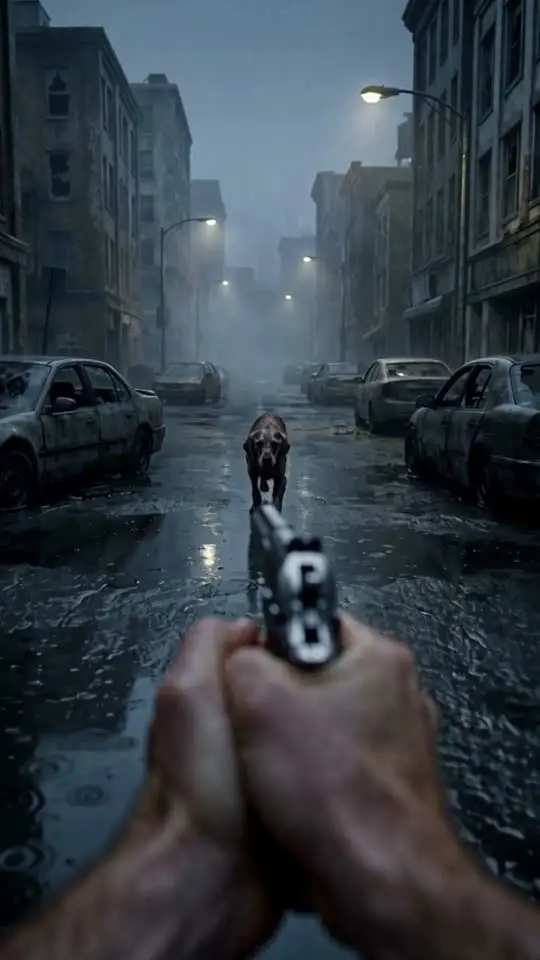
Zombie dog · Rain-Soaked City (POV)
One photo of the dog → filmed from your point of view, then the beach memory with his collar tag.
What your video looks like
Six beats. One hard cut. Everyone cries.
Every viral version hits the same six beats — four in the cold world, two in the warm one. Your video is written to hit all of them.
 R1 · 00:00
01The standoff
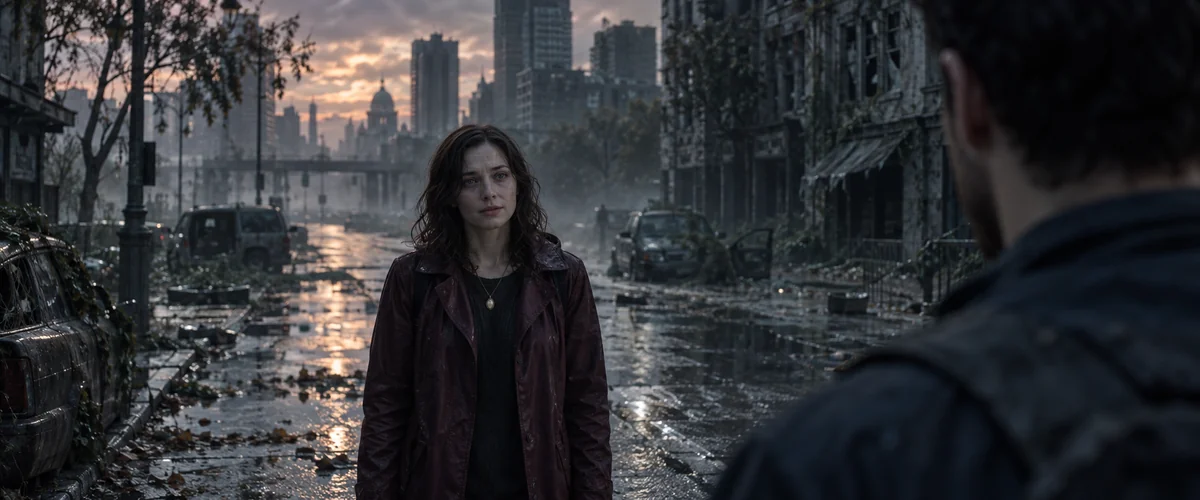
A gray, ruined place — a cabin, a street, a supermarket. Someone you love stands there, but their skin is ashen and their eyes are clouded.
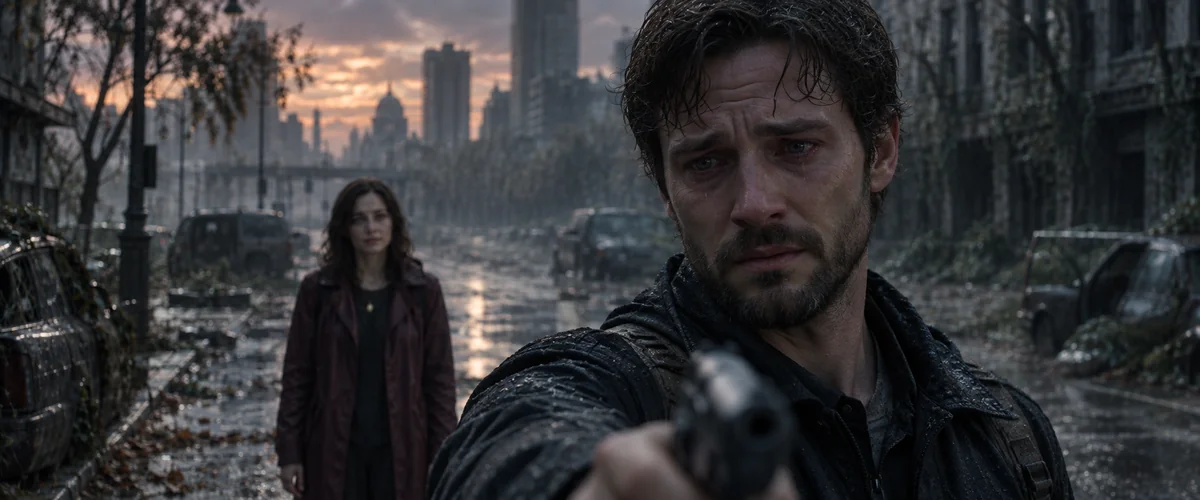 R1 · 00:02
02The raised gun
You lift the gun. Your hands shake, tears are already running. The camera holds on your face, not the weapon.
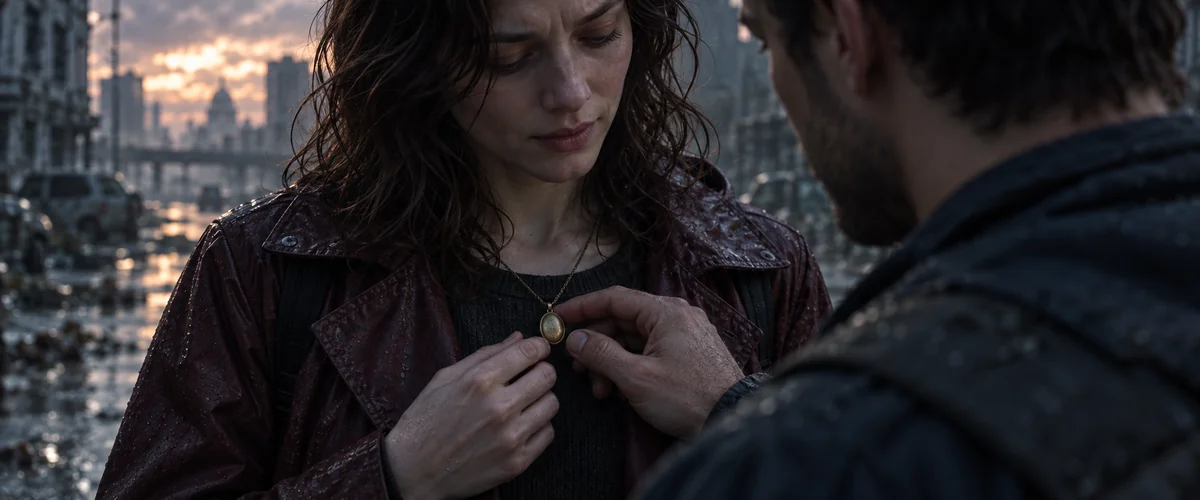 R1 · 00:04
03Recognition
Something familiar — a necklace, a collar tag, the way they tilt their head. You lower the gun.
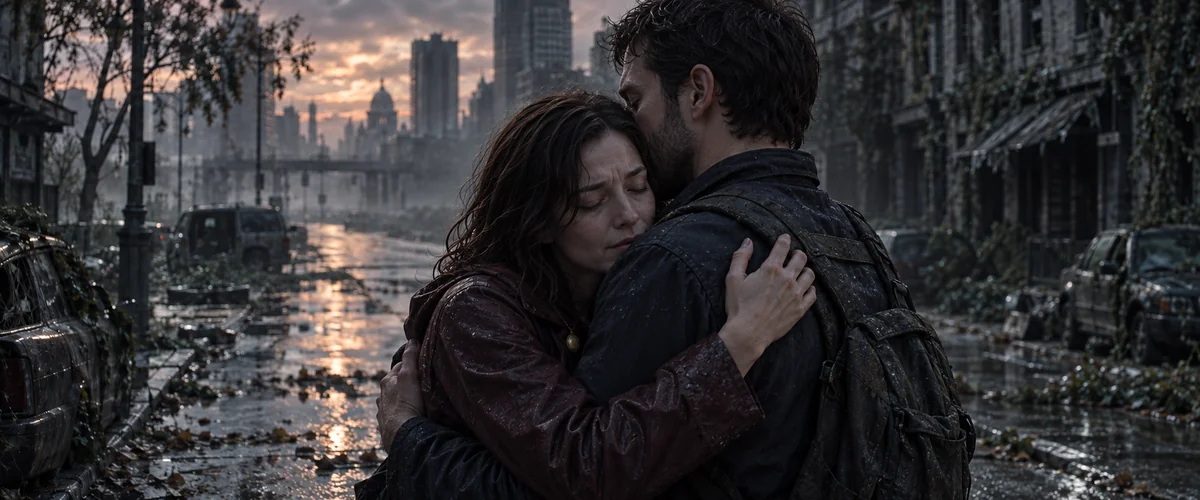 R1 · 00:06
04The hug
The zombie stumbles closer and, instead of biting, wraps its arms around you. You hold on.
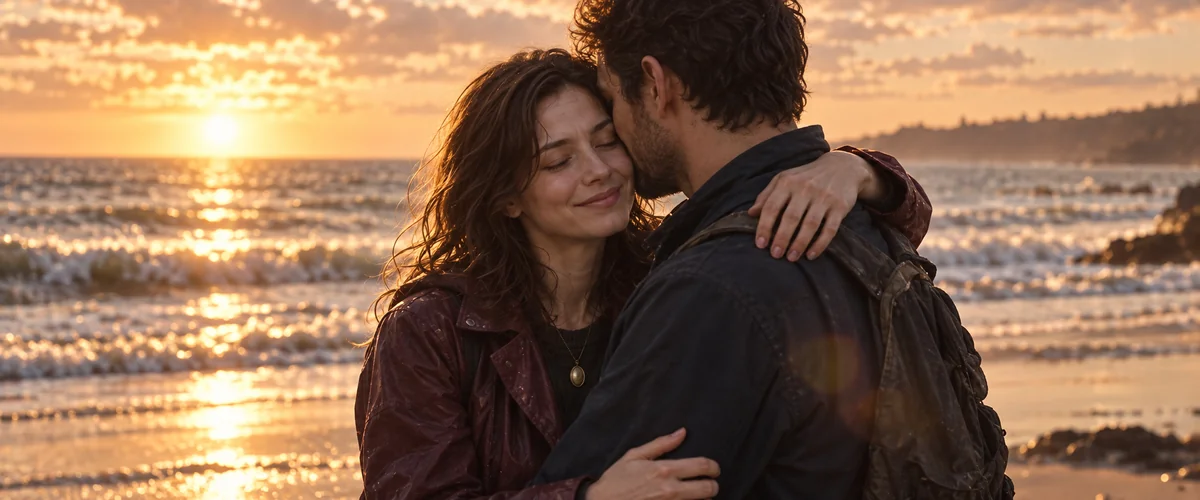 R2 · 00:08
05Hard cut to memory
Same pose, same hug — but now it is golden hour, a snowy slope or a flower meadow, and they are alive and laughing.
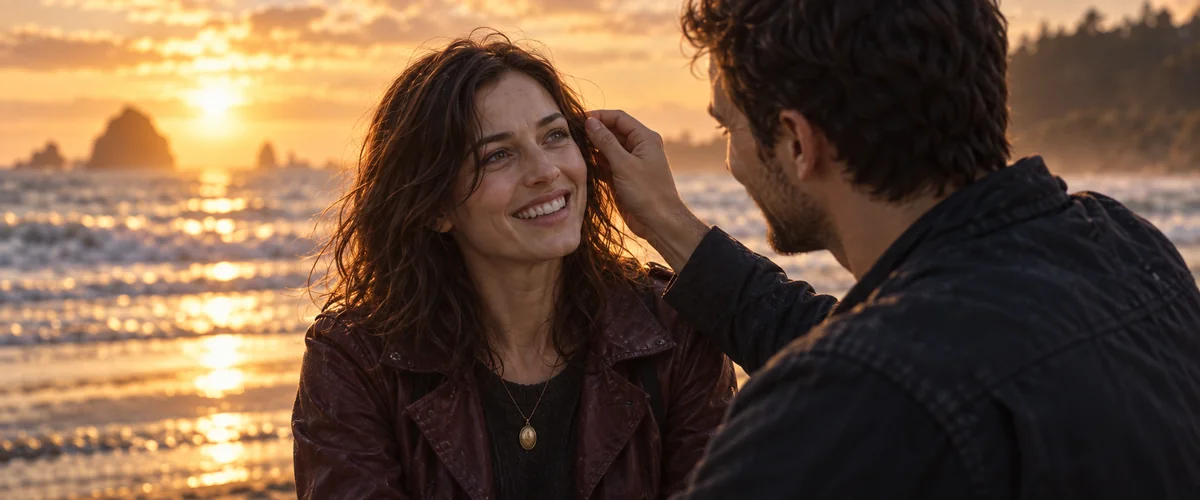 R2 · 00:10
06Flashback reel
Two or three quick, warm memories in slow motion. End on their face, or cut back to the gray world for the gut-punch.
AI-generated story illustrations. Your finished video may differ.
Pricing
Pay per video. That's it.
3 Videos
$17.99
$6.00 per video
Try every world, keep the one that makes you cry
Get 3 videos- Find your videos and orders in your account
- One-time payment · No subscription
- Video credits never expire
- Failed generations automatically return your credit
- No watermark
The trend
What is the AI Zombie Video Trend?
The AI Zombie Video Trend (also called the Zombie Love Story or AI zombie hug trend) is a short AI video format where a loved one — a partner, a parent, a best friend or a pet — appears as a zombie. You raise a gun, hands shaking, then lower it because you still recognize them. The zombie walks up and hugs you, and the cold, gray scene cuts to warm flashbacks of your happiest memories together. It is made from one or two clear photos with an image-to-video AI model such as Seedance (Dreamina/CapCut), Kling or Veo, then edited with an emotional sound.
- Also called
- Zombie Love Story · AI zombie hug · zombie girlfriend / pet trend
- Where
- TikTok, Instagram Reels, YouTube Shorts
- Took off
- Late September – early October 2026
- Made with
- Seedance (Dreamina / CapCut), Kling, Veo — or aizombievideo.org
Variants
Who do you refuse to shoot?
Variant
Zombie girlfriend / boyfriend
The original couple version — the one that made the trend. Works best when both faces are in the photos.
Get the prompt →Variant
Zombie dog
The pet version that took over Russian- and Spanish-speaking TikTok. The collar tag is the recognition moment.
Get the prompt →Variant
Zombie cat
Smaller, slower and somehow sadder. Keep the zombie details subtle so the cat is still recognizable.
Get the prompt →Variant
Zombie mom / dad
A parent version. Pair a current photo with an old childhood photo for the flashback.
Get the prompt →Variant
Zombie best friend
The friendship version — great for duos and siblings. Use a road-trip or concert memory.
Get the prompt →
Options
Generator vs. doing it yourself
| aizombievideo.org | Dreamina / CapCut / Kling yourself | |
|---|---|---|
| What you do | Upload 1–2 photos, pick a world | Write prompts, generate 2–4 clips, edit the cut |
| Time | Processing time varies, hands-off | 30–90 minutes |
| Story | Zombie → lowered gun → hug → warm memory, pre-written | Yours to prompt and fix |
| Cost | From $9.99 per video, no subscription | Free daily credits, or a monthly plan |
| Watermark | None | Depends on the app and plan |
Prefer DIY? Our free prompt builder writes the prompts and the step-by-step guide covers the edit.
FAQ
Questions, answered
What is the AI zombie trend?
+
A viral AI video format where someone you love appears as a zombie. You raise a gun, can't shoot, they hug you instead, and the gray scene cuts to warm flashback memories. It's also called the Zombie Love Story or the AI zombie hug trend.
How do I make the AI zombie love story video?
+
Use one clear photo of your loved one (and one of yourself), generate a cold zombie standoff-and-hug clip and a warm memory clip in the same pose with an image-to-video model like Seedance on Dreamina, Kling or Veo, then hard-cut them together in CapCut and add an emotional sound.
What app is used for the zombie trend?
+
This site uses HappyHorse 1.1 with the story prepared for you. Upload one or two photos, choose a video length, and use the original story or write your own. Results depend on your photos, story and the model's content review.
Is there a free AI zombie trend generator?
+
The video generator on aizombievideo.org is paid once per video, with no subscription. If you'd rather do it yourself for free, Dreamina, CapCut and Kling give free daily credits, and our free prompt builder writes the prompts for you.
How much does it cost?
+
1 Video: $9.99 · 3 Videos: $17.99 · 10 Videos: $49.99. One-time payment, no subscription, no watermark. Unused videos never expire, and a failed video returns its credit automatically.
Do I need a photo of myself?
+
No. Only the photo of who turns into the zombie is required. Add your own photo and you're on screen in the hug; skip it and the scene is filmed from your point of view, with only your hands and arms in frame.
How long does the AI zombie video take?
+
Processing time varies for a 12-second 9:16 video. Keep your video link, or sign in to access results across devices.
Can I do the zombie trend with my dog or cat?
+
Yes — the pet version is one of the most popular. Keep the zombie details subtle (cloudy eyes, matted fur) and give the pet one recognizable item such as a collar tag; that's the moment you lower the gun.
Why does my zombie not look like my partner?
+
The face drifts when the model has too little reference. Use a sharp, front-facing photo, generate a character sheet first, describe one fixed detail (a necklace, a scar, a collar) in every prompt, and keep zombie makeup light around the eyes and mouth.
What song is used in the AI zombie trend?
+
There isn't one official song. Creators use slow piano covers and emotional trending sounds; pick one in TikTok or CapCut's sound library so it's licensed for the platform. Don't burn the music into the AI clip itself.
Is it okay to turn real people into zombies with AI?
+
Only use photos of people who agree to it (or your own pet). Don't use photos of strangers, celebrities or minors who aren't your own family, and label the video as AI-generated where the platform asks you to.